ضغط وفك الأرشيفات، تحويل وضغط الوسائط مع مشغّل مدمج، أدوات PDF والصور، تنظيف الجهاز، أدوات الملفات، وعشرات أدوات الفني لإصلاح ويندوز وتشخيصه — على الكمبيوتر والجوال.
Compress and extract archives, convert and shrink media with a built-in player, PDF and image tools, a cleaner, file tools, and dozens of technician tools to diagnose and fix Windows — on your PC and your phone.
واجهة عربية وإنجليزية كاملة، وضع فاتح وداكن، بحث فوري في الأدوات، وكل شيء يعمل على جهازك.
A full Arabic and English interface, light and dark themes, instant tool search, and everything runs on your device.
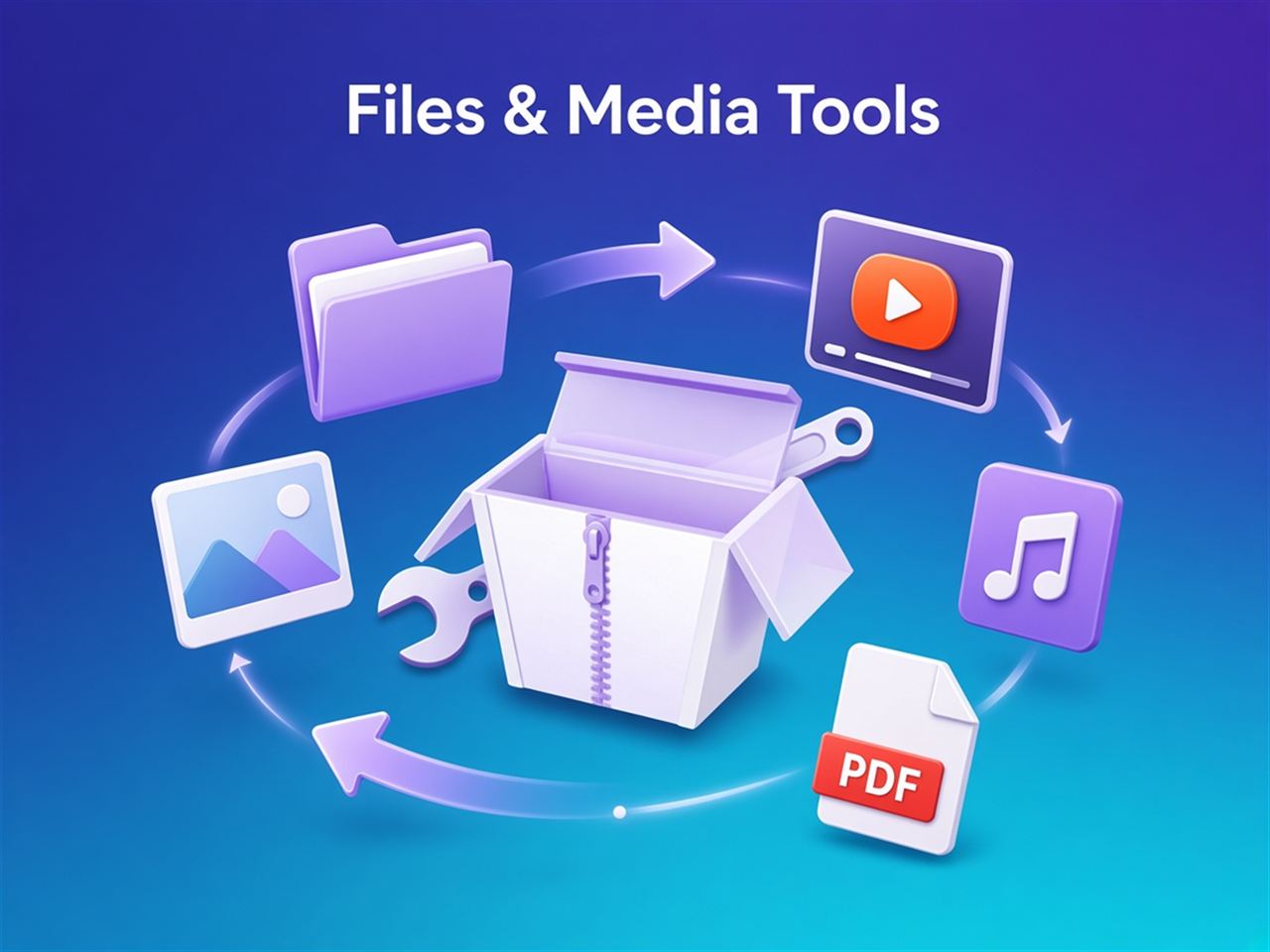
ضغط وفك ZIP و 7Z و RAR و ISO وغيرها بمحرك 7-Zip، مع كلمات المرور.
Compress and extract ZIP, 7Z, RAR, ISO and more with the 7-Zip engine, including passwords.
تحويل وضغط الفيديو والصوت، قص ودمج وGIF، ومشغّل وسائط مدمج بالترجمات والمعادِل.
Convert and compress video and audio, trim, merge and make GIFs, plus a built-in player with subtitles and equalizer.
دمج وتقسيم وتدوير صفحات PDF واستخراج الصور، وتغيير حجم الصور وتحويلها دفعة واحدة.
Merge, split and rotate PDF pages and extract images; resize and convert photos in batches.
حذف الملفات المؤقتة والمخلّفات وتحرير الذاكرة، وعلى ويندوز بقايا البرامج والسجل.
Remove junk and temp files and free RAM; on Windows also program leftovers and registry entries.
مدير ملفات، محلل المساحة، الملفات المكررة، إعادة تسمية جماعية، مقارنة المجلدات، تقسيم ودمج، Hash، نسخ احتياطي، تشفير، مولّد كلمات مرور، حذف آمن، واستعادة المحذوفات وفك قفل الملفات على ويندوز.
File manager, storage analyzer, duplicates, bulk rename, folder compare, split/join, hashes, backup, encryption, password generator, secure delete, plus file recovery and unlocker on Windows.
لقطات شاشة وتسجيل فيديو للشاشة مباشرة من التطبيق.
Take screenshots and record your screen right from the app.
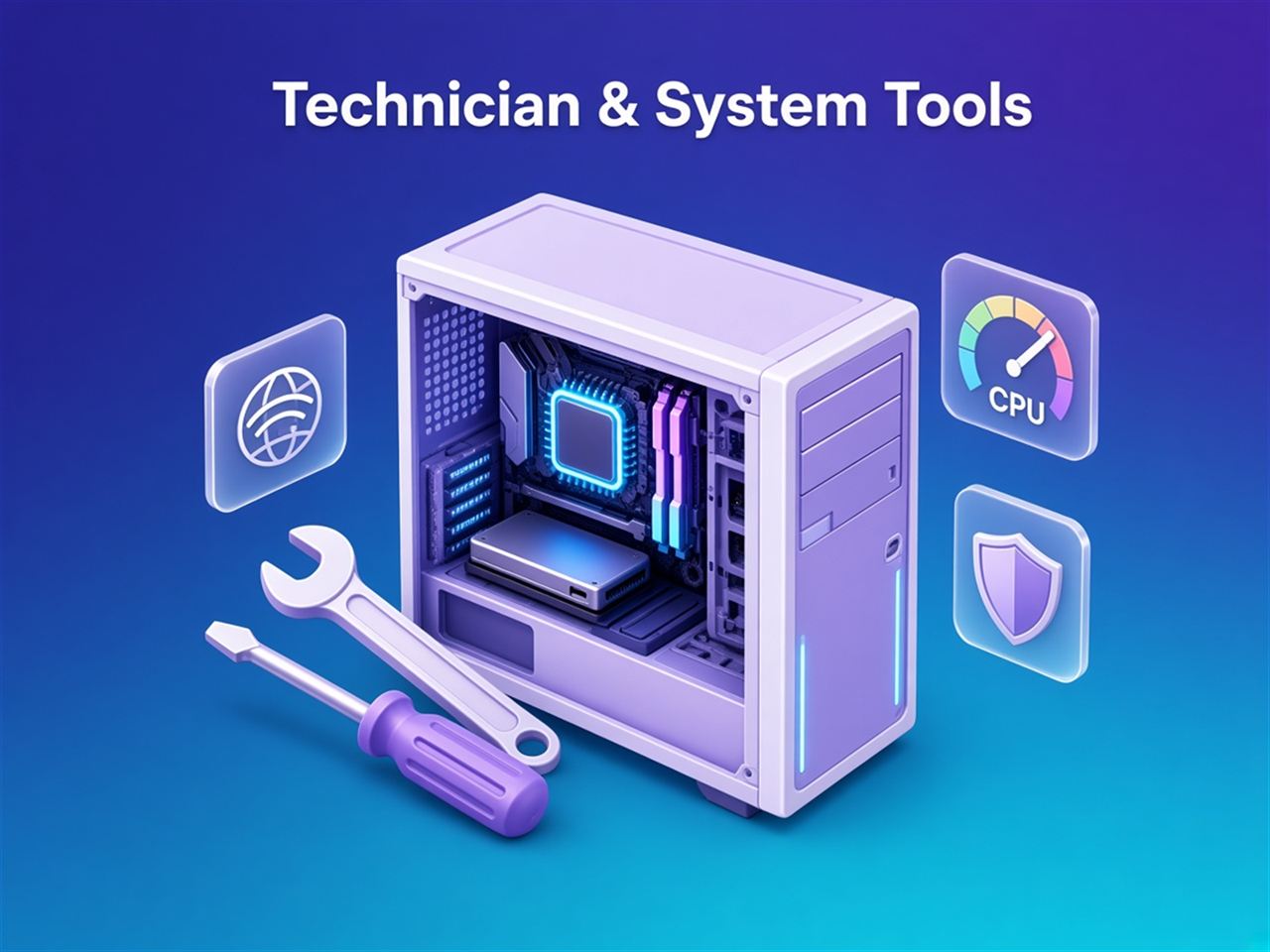
فحص سريع بنقرة، تقرير صحة HTML باسم الفني وشعاره، عارض الأحداث، تحليل الشاشة الزرقاء (minidump)، سجل الموثوقية، وحزمة دعم ZIP جاهزة للإرسال.
One-click quick check, HTML health report with your technician branding, event viewer, blue-screen minidump analysis, reliability history and a ready-to-send support bundle ZIP.
إصلاح قائمة ابدأ والبحث والمتجر والصوت وذاكرة الأيقونات والوقت والبروكسي والملف الشخصي المؤقت، و SFC/DISM، وأدوات Windows Update ونقاط الاستعادة.
Fix Start, search, Store, audio, icon cache, time sync, proxy and temp profiles; run SFC/DISM; Windows Update tools and restore points.
نسخ التعريفات، الخدمات، المهام المجدولة، برامج بدء التشغيل، العمليات، الحرارة، متغيرات البيئة، ميزات ويندوز، الطابعات، إزالة التطبيقات المثبتة مسبقاً، إعدادات الخصوصية، وحالة التفعيل.
Drivers backup, services, scheduled tasks, startup, processes, temperatures, environment variables, Windows features, printers, debloat, privacy tweaks and activation status.
الأقراص والأقسام، اختبار سرعة القرص والذاكرة، إنشاء فلاشة إقلاع، وتركيب ونسخ ملفات ISO والأقراص.
Disks and partitions, disk and RAM speed tests, bootable USB creation, and ISO/disc mounting and burning.
اختبار السرعة، Wi-Fi، Ping و Traceroute والمنافذ، Wake-on-LAN، ملف hosts، المجلدات المشتركة، الجدار الناري، ونقل الملفات بين الجوال والكمبيوتر عبر الشبكة.
Speed test, Wi-Fi, ping, traceroute and ports, Wake-on-LAN, hosts file, shares, firewall, and LAN file transfer between phone and PC.
إلغاء التثبيت مع البقايا، winget، صانع المثبّت الصامت، واختبارات الشاشة والسماعات والمايكروفون والكاميرا والبطارية.
Uninstaller with leftovers, winget, silent installer builder, and tests for screen, speakers, mic, camera and battery.
مجاني للتحميل، وكل الأدوات مفتوحة 90 يوماً بدون بطاقة. التطبيق يحدّث نفسه تلقائياً.
Free to download, with every tool unlocked for 90 days and no card. The app updates itself.
الخيار الموصى به لويندوز 10 و 11 (64-بت)، مع اختصارات وتحديث تلقائي.
Recommended for Windows 10 and 11 (64-bit), with shortcuts and automatic updates.
⬇ تحميل المثبّتDownload installerملف ZIP بلا تثبيت: فك الضغط في أي مجلد أو فلاشة وشغّل OmniToolbox.exe.
A ZIP with no setup: extract it to any folder or USB stick and run OmniToolbox.exe.
اختر arm64-v8a لمعظم الجوالات الحديثة، و armeabi-v7a للأجهزة القديمة، و x86_64 للمحاكيات.
Pick arm64-v8a for most modern phones, armeabi-v7a for older devices, and x86_64 for emulators.
OmniToolbox.exe من المجلد — لا تشغّله من داخل الملف المضغوط. تُحفظ الإعدادات في مجلد data بجانبه، فيمكن تشغيلها من فلاشة.OmniToolbox.exe from the folder — not from inside the archive. Settings stay in a data folder beside it, so it runs from a USB stick.بدون بطاقة. بعد التجربة تبقى أدوات كثيرة مجانية للأبد، وتفتح بقية الأدوات باشتراك سنوي واحد.
No card needed. After the trial many tools stay free forever; one yearly subscription unlocks the rest.
الدفع آمن عبر Lemon Squeezy، ويصلك مفتاح التفعيل بالبريد فوراً. قد تُضاف ضريبة القيمة المضافة عند الدفع حسب بلدك. استرداد كامل خلال 14 يوماً — سياسة الاسترداد.
Secure checkout by Lemon Squeezy; your license key arrives by email right away. VAT may be added at checkout depending on your country. Full refund within 14 days — refund policy.
من أول تشغيل تحصل على 90 يوماً بكل الأدوات، بدون بطاقة أو حساب. لن يُخصم منك شيء تلقائياً.
From the first launch you get 90 days with every tool, no card or account. Nothing is ever charged automatically.
الأرشيفات، أدوات الملفات، PDF، الصور، الفيديو والصوت، المشغّل، تصوير الشاشة، اختبار السرعة ونقل الملفات، والتنظيف الأساسي — مجانية للأبد. أدوات النظام والأقراص والشبكة والفني تحتاج الاشتراك السنوي.
Archives, file tools, PDF, images, video and audio, the player, screen capture, speed test, file transfer and basic cleaning stay free forever. System, drives, network and technician tools need the yearly subscription.
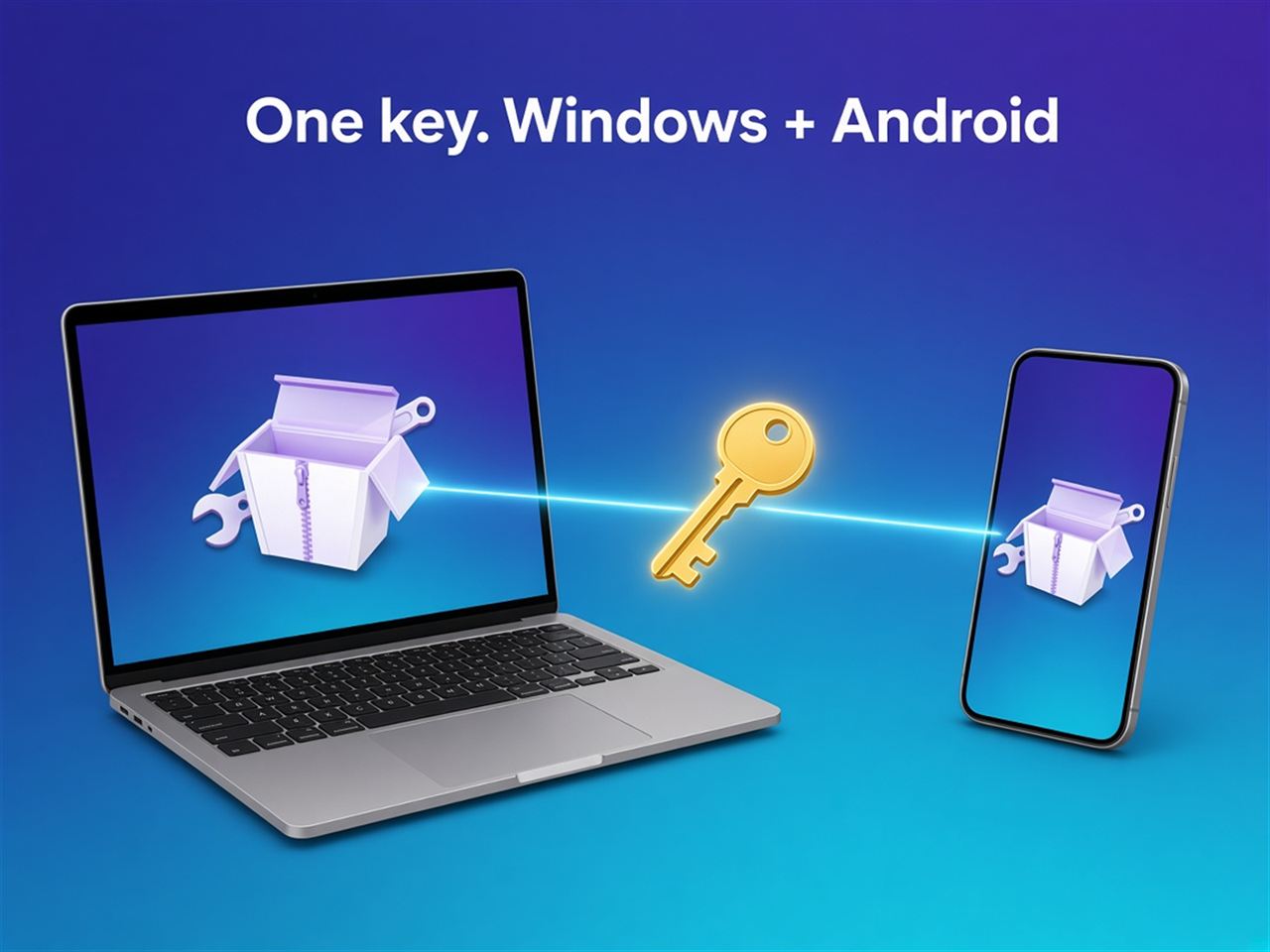
يصلك المفتاح بالبريد فور الدفع. افتح التطبيق ← الإعدادات ← الترخيص، والصق المفتاح. نفس المفتاح يعمل على ويندوز وأندرويد.
The key is emailed right after payment. Open the app → Settings → License and paste it. The same key works on Windows and Android.
في الجهاز القديم افتح الإعدادات ← الترخيص واضغط «إلغاء التفعيل» لتحرير المكان، ثم فعّل المفتاح على الجهاز الجديد. إن فقدت الجهاز القديم راسلنا.
On the old device open Settings → License and choose Deactivate to free the slot, then activate the key on the new one. Lost the old device? Email us.
من صفحة إدارة الاشتراك تستطيع إلغاء التجديد، تحديث بطاقتك، تحميل الفواتير، ورؤية مفتاحك. بعد الإلغاء يبقى الاشتراك فعالاً حتى نهاية المدة المدفوعة.
On the billing portal you can cancel renewal, update your card, download invoices and see your key. After cancelling, the subscription stays active until the end of the paid period.
على ويندوز لا. على أندرويد تعرض النسخة غير المفعّلة إعلانات Google: شريط صغير، وإعلان كامل نادر بعد المهام الطويلة. تختفي كلها عند التفعيل.
Not on Windows. On Android, copies that aren't activated show Google ads: a small banner and a rare full-screen ad after long tasks. Activation removes them all.
كل الأدوات تعمل على جهازك، وملفاتك لا تُرفع إلى أي خادم. الاتصال بالإنترنت فقط للتحقق من الترخيص والتحديثات (وإعلانات أندرويد المجانية). التفاصيل في سياسة الخصوصية.
Every tool runs on your device and your files are never uploaded. The app only goes online for license checks and updates (and ads on free Android copies). Details in the privacy policy.
راسلنا على yalozair2013@gmail.com لأي سؤال أو مشكلة أو اقتراح.
Email yalozair2013@gmail.com for any question, issue or suggestion.